Build Your Own Idol Group THE IDOL Guides & Walkthroughs
Every Build Your Own Idol Group tutorial—from first join to charts, merch, and award shows.
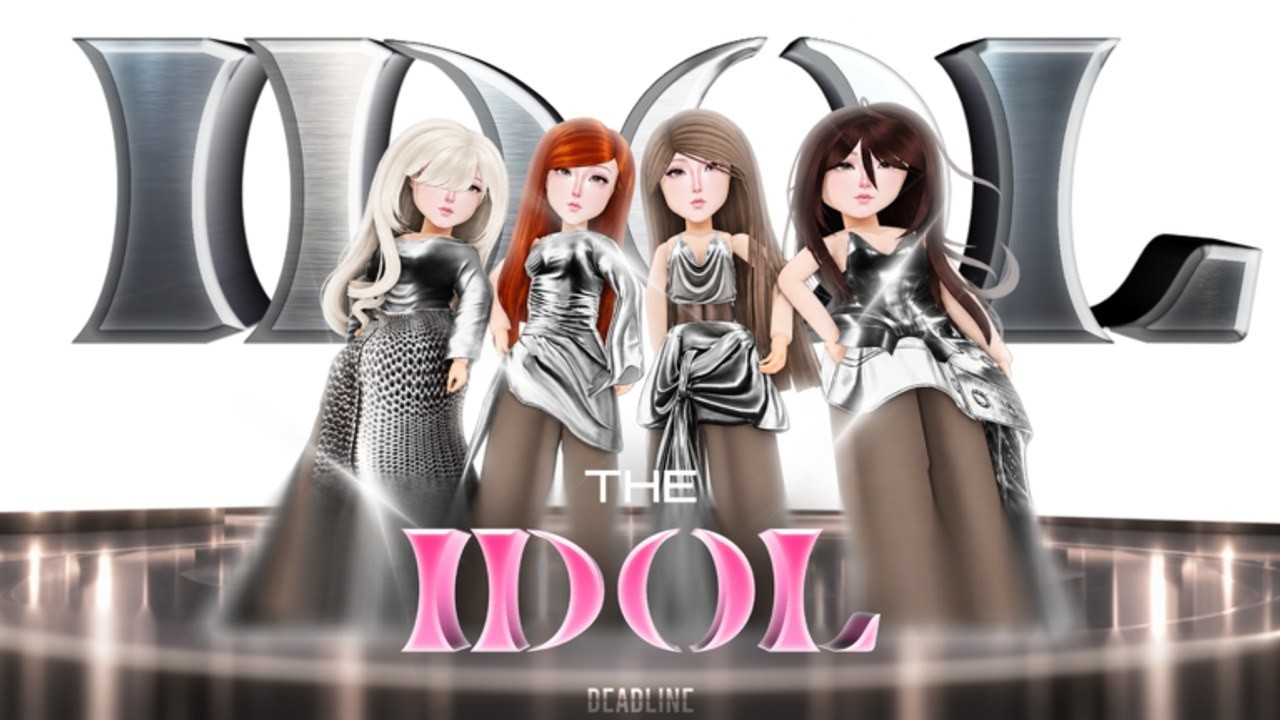
Welcome to the Guides Hub for Build Your Own Idol Group! THE IDOL on Roblox. This index links every deep walkthrough on the wiki so you can run a K-pop/music label without guessing the next system. Whether you just joined the BETA, redeemed your first codes, or are preparing award shows and teased World Tours, start here and branch into the guide that matches your goal.
THE IDOL’s core loop is simple to say and rich to master: build your dream group —create music and custom albums —compete in award shows and world tours —sell merchandise —dominate charts. Each guide below focuses on one segment of that loop and cross-links siblings so you never dead-end.
New players should open Getting Started immediately after skimming Codes. Managers optimizing spend should keep the Tier List Hub open in another tab.
All guides
Getting Started
First-hour checklist: join the live place, redeem codes, form your group, learn Coins/Gems/Fans, and chase early badges (Welcome to THE IDOL!, First Drop, Debut Day). Best entry point for brand-new CEOs.
How to Debut
Path to the Debut Day badge—training, lineup balance (vocal/dance/visual), and a practical debut checklist so you leave the trainee sandbox on purpose.
Create Music & Albums
Songs, custom albums, drops, and the First Drop badge. Explains how catalog builds Fans and sets up charts.
World Tours & Award Shows
Competition loop, award prep, and how teased World Tours (and related events) fit the mid-game fantasy once your group can perform.
Merchandise & Charts
Sell merch, climb charts, and understand the Fans economy that ties music success to revenue and prestige.
Currencies & Economy
Deep dive on Coins, Gems, and Fans—what each funds, how BESTGAME / MUSICVIDEO inject bankroll, and early spend mistakes to avoid.
Survival Shows & Sub Labels
How to read DEADLINE’s Survival Shows and Sub Labels teasers, what to prep now, and what is still roadmap-only.
Tips & Tricks
Short BETA habits: redeem-first, one goal per session, rejoin after patches, and ignore script spam on hype days.
Suggested reading orders
Brand-new agency (hour 1—)
- Codes Hub — claim
BESTGAME/MUSICVIDEOwhile active - Getting Started
- Tier List Hub — Coins vs Gems priorities
- How to Debut
Post-debut growth
- Create Music & Albums
- Merchandise & Charts
- World Tours & Award Shows
- Players Hub — badges and milestones
Catching up after a patch
- Updates Hub — timeline and teasers (Survival Shows, Sub Labels, tours)
- Revisit the guide for whichever system changed
- Recheck Codes for new promo strings from DEADLINE Corporation
How these guides are written
- Focused on the live Roblox place by DEADLINE Corporation (universe related to place
Build Your Own Idol Group! THE IDOL) - Internal links use stable wiki paths so every language build resolves correctly
- At most one YouTube embed per page, placed mid-article when a real video helps
- No filler paragraphs and no invented systems—when a feature is only teased (Survival Shows, World Tours, Sub Labels), guides say so
Pair guides with other hubs
- Codes — currency injections before expensive training
- Scripts — honest warning that verified public scripts are not available yet
- Tier List — S–C early priorities
- Players — badge and agency management tips
- Updates — what changed since October 11, 2026 launch/create
- Links — official game page and DEADLINE group
Tips while reading
Keep a notepad (or Roblox screenshot folder) for your debut lineup stats, album titles, and which codes you already redeemed. BETA UIs move; your notes keep How to Debut and Create Music & Albums actionable even after a small patch.
If a guide mentions a teaser feature that is not clickable in your build yet, treat it as roadmap context—not a broken link. Cross-check the Updates Hub before changing your entire economy plan around an unreleased system.
Contribute by playing smart
The fastest way to “get more out of the wiki—is to play the intended loop: redeem, train, debut, drop music, sell merch, enter shows. Each guide assumes that order. Skipping debut to chase merch, or dumping all Gems on cosmetics before First Drop, fights the design—and the Tier List Hub explains why.
Ready? Open Getting Started or jump straight to the system blocking you today.
Frequently Asked Questions
Quick answers about codes, debuts, albums, and label growth.
Which THE IDOL guide should I read first?
Start with Getting Started after redeeming codes, then How to Debut. Use the Tier List Hub alongside both for spend decisions.
Do these guides cover Survival Shows and Sub Labels?
Yes—see Survival Shows & Sub Labels for teaser prep, and Updates Hub for ship status. Deep steps expand as features go live.
Are guide videos required?
No, but several guides embed one real YouTube video mid-article when footage clarifies the loop. Pages never invent video IDs.
Where do I go after debut?
Create Music & Albums, then Merchandise & Charts, then World Tours & Award Shows—plus Players Hub for badge tracking.
Is this Guides Hub only for beginners?
Beginners start here, but post-debut managers use the same index for albums, charts, merch, and competition systems.